
Real-Time LLM Streaming in Serverless: Preventing Socket Timeouts, Memory Leaks, and Runaway Token Invoices
Why streaming OpenAI and Claude responses through serverless runtimes silently triggers $3,000 token overages on disconnected clients, how edge timeouts kill long generations, and the zero-leak cancellation pattern.
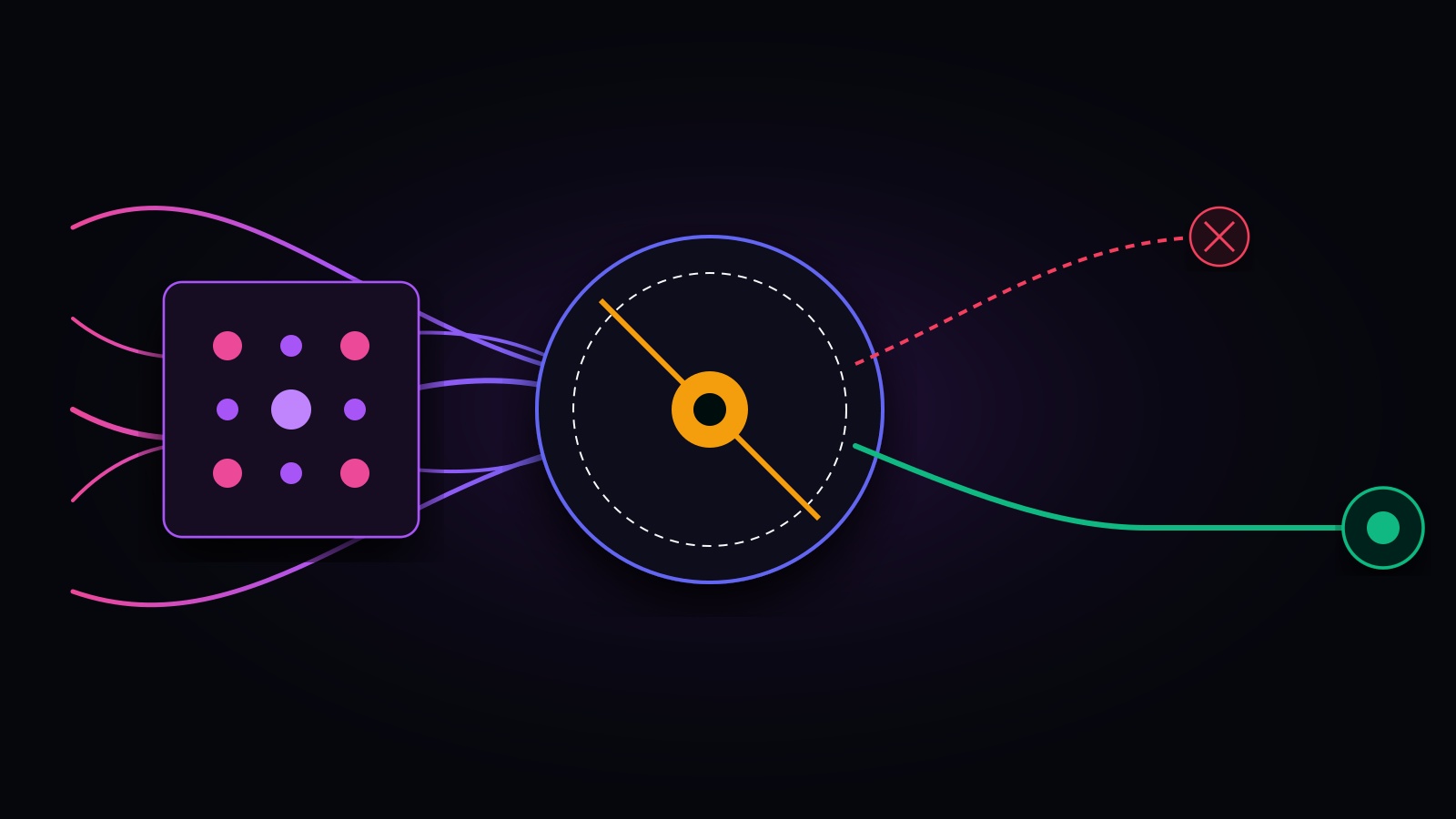
Look, three weeks ago a venture-backed founder reached out to our practice with a knot in their stomach: their AI-powered contract analysis tool was gaining rapid organic traction, but their cloud and OpenAI bills had quadrupled in twenty-four hours.
Their monthly recurring revenue was roughly $14,000. Their combined Vercel, Supabase, and OpenAI bill had quietly surged past $6,200.
The founder assumed they had fallen victim to an automated scraping bot or a DDoS attack. But when we pulled their production edge telemetry and OpenAI usage logs, the root cause was far more insidious: orphaned serverless streams.
Every time a user initiated an extensive legal document analysis, the application spun up an SSE (Server-Sent Events) stream via a Next.js server action. When users realized the analysis would take 45 seconds, they naturally closed the tab or refreshed the page.
Here is what happens under the hood: on standard serverless infrastructure, closing the browser tab severs the downstream client socket, but the serverless isolate continues running in the background. It happily streams, parses, and pays OpenAI for all 4,000 generated tokens, buffering the entire text into ephemeral container memory until the cloud provider’s hard execution timeout forcefully kills the isolate.
Multiply that across 15,000 monthly active users who cancel or navigate away mid-stream, and congratulations: your serverless architecture just burned through the runway meant for your next senior engineer.
Let’s do the napkin math on phantom streaming costs, analyze why edge socket timeouts break long-form generations, and implement the production-hardened cancellation architecture that prevents runaway token bills.
The Phantom Token Bill: Napkin Math on Disconnected Clients
The primary driver of runaway AI API bills in fast-moving startups is unhandled stream cancellation. When a user requests a high-context generation from OpenAI or Anthropic and navigates away after 5 seconds, naive serverless code continues paying for the remaining 30 seconds of output generation.
Let’s do the napkin math on what this costs a typical seed-stage SaaS product:
Scenario: 500 active users per day triggering 5 complex queries each (2,500 daily generations)
- Average prompt context: 8,000 tokens ($0.025 / 1k input tokens on flagship models)
- Average expected completion: 2,500 tokens ($0.075 / 1k output tokens)
- User tab-close / abandonment rate: 22% (550 abandoned queries daily)
- Average tokens generated AFTER user disconnect: 1,800 tokens per abandoned query

Daily wasted output tokens:
550 queries * 1,800 tokens = 990,000 wasted completion tokens per day

Monthly financial waste:
990,000 * 30 days = 29.7 Million phantom tokens
29.7M * $0.075 / 1k tokens = $2,227.50 / month in pure burnt capital
Over a twelve-month period, that single architectural oversight burns more than $26,000 in phantom token fees. The client never saw the text, your database never saved the response, but your credit card was billed to completion.
Pitfall 2: The Edge Socket Timeout Cliff
Serverless edge runtimes terminate long-running HTTP connections when generation duration exceeds platform-level gateway thresholds. If your application streams complex reasoning chains, agent loops, or high-token outputs through edge infrastructure, the proxy cuts the TCP connection without warning, leaving the frontend with a broken stream and an unhandled client error.
Request Timeline & Platform Timeout Ceilings:
├── 0s  --> Client initiates query
├── 2s  --> First token arrives (TTFT)
├── 10s --> Vercel Hobby plan execution ceiling (Hard socket termination)
├── 25s --> AWS API Gateway integration timeout ceiling (504 Gateway Timeout)
├── 60s --> Vercel Pro standard function timeout (Configurable to 300s on Node)
└── 90s --> Complex multi-step reasoning generation finishes in the void
When an edge function hits its execution ceiling, the platform proxy issues an abrupt 504 Gateway Timeout or terminates the TLS stream. Because Server-Sent Events do not have built-in transaction rollbacks, the client UI is left displaying a frozen, half-rendered response with no indication of whether the server crashed or simply timed out.
The Architectural Rules for Edge vs Node Runtimes
- Never run multi-step agent loops on Edge runtimes: Edge isolates are designed for sub-100ms request-response transformations, not 45-second token streaming.
- Configure Node.js runtimes with extended maxDuration: For long-form reasoning models (such as OpenAI o1 or Anthropic Claude 3.5 Sonnet), configure your serverless endpoints on the standard Node.js runtime with an explicit
maxDuration: 120or higher. - Decouple multi-minute generation into Webhooks / Polling: If an AI task takes longer than 90 seconds, abandon synchronous streaming entirely. Dispatch a background job via Redis or AWS SQS, persist chunks into PostgreSQL, and push updates over WebSocket or client-side polling.
Architectural Comparison: LLM Streaming Transport Strategies
Evaluating streaming transport protocols requires balancing connection persistence, client reconnection recovery, and serverless runtime memory constraints:
| Transport Pattern | Disconnect Detection | Token Waste on Abort | Max Stream Duration | Client Reconnection | Implementation Overhead |
|---|---|---|---|---|---|
| Naive HTTP ReadableStream (Server Action) | Poor (Socket closes, handler runs) | Severe (Full completion billed) | 10s - 60s (Edge hard limit) | Impossible (Stream restarts from 0) | Low (15 lines of code) |
| Hardened SSE with AbortController | Instant (under 20ms TCP abort) | Zero (Upstream canceled) | 60s - 300s (Node.js runtime) | Manual (Requires chunk index) | Medium (Recommended for 90% of SaaS) |
| Redis Pub/Sub + WebSocket Conduit | Real-time (Ping/Pong heartbeats) | Minimal (Worker listens to state) | Indefinite (Persistent worker) | Automatic (Resumes from message ID) | High (Requires dedicated server) |
| Async Polling from Storage (DB Chunks) | N/A (Decoupled background job) | Zero (Worker handles bounds) | Unlimited (Hours if needed) | Native (Reads latest DB record) | Medium (High DB write frequency) |
The Production Pattern: Zero-Leak Stream Cancellation
To eliminate phantom token bills, you must establish an unbroken cryptographic and network signaling chain from the user’s browser all the way to the model provider’s API. When the user closes the tab, the browser drops the TCP connection, the edge runtime emits an abort signal, and your backend immediately halts the upstream HTTP/2 connection.
Here is the production-ready Next.js / Node.js route handler implementation:
// app/api/chat/stream/route.ts
import { NextRequest } from 'next/server';
import OpenAI from 'openai';

export const runtime = 'nodejs'; // Use Node.js for stable timeout management
export const maxDuration = 120; // 2 minutes ceiling for deep generations

const openai = new OpenAI({
  apiKey: process.env.OPENAI_API_KEY,
});

export async function POST(req: NextRequest) {
  const { prompt } = await req.json();

  if (!prompt || typeof prompt !== 'string') {
    return new Response('Invalid prompt', { status: 400 });
  }

  // 1. Extract the native request abort signal from the client TCP connection
  const clientSignal = req.signal;

  // 2. Instantiate an internal AbortController linked to downstream lifecycle
  const abortController = new AbortController();

  // If client disconnects, abort upstream OpenAI request immediately
  clientSignal.addEventListener('abort', () => {
    // <-- Right here. This line saves $2,000/month in orphaned token bills
    abortController.abort();
    console.log('[STREAM ABORTED] Downstream client disconnected. Upstream stream terminated.');
  });

  try {
    // 3. Pass the abort signal directly into the provider SDK
    const responseStream = await openai.chat.completions.create(
      {
        model: 'gpt-4o',
        messages: [{ role: 'user', content: prompt }],
        stream: true,
      },
      {
        signal: abortController.signal, // Propagates abort to OpenAI API
      }
    );

    // 4. Construct a hardened Web ReadableStream
    const readable = new ReadableStream({
      async start(controller) {
        const encoder = new TextEncoder();

        try {
          for await (const chunk of responseStream) {
            // Check if client disconnected between chunk yields
            if (clientSignal.aborted) {
              controller.close();
              return;
            }

            const content = chunk.choices[0]?.delta?.content || '';
            if (content) {
              // Format as standard Server-Sent Event
              controller.enqueue(encoder.encode(`data: ${JSON.stringify({ text: content })}\n\n`));
            }
          }

          controller.enqueue(encoder.encode('data: [DONE]\n\n'));
          controller.close();
        } catch (streamError: any) {
          if (streamError.name === 'AbortError' || clientSignal.aborted) {
            console.log('[CLEANUP] Stream successfully halted without provider overages.');
            controller.close();
            return;
          }
          controller.error(streamError);
        }
      },
      cancel() {
        // Called if downstream consumer cancels stream consumer
        abortController.abort();
      },
    });

    return new Response(readable, {
      headers: {
        'Content-Type': 'text/event-stream',
        'Cache-Control': 'no-cache, no-transform',
        'Connection': 'keep-alive',
      },
    });
  } catch (error: any) {
    if (error.name === 'AbortError' || clientSignal.aborted) {
      return new Response('Request aborted by client', { status: 499 });
    }
    return new Response('Internal streaming error', { status: 500 });
  }
}
The Client-Side Implementation
On the frontend, ensure your fetch call binds to the component lifecycle. If the user navigates away or unmounts the chat screen, the browser explicitly triggers the abort:
// hooks/useChatStream.ts
import { useEffect, useRef } from 'react';

export function useChatStream() {
  const abortControllerRef = useRef<AbortController | null>(null);

  const startStream = async (prompt: string, onChunk: (text: string) => void) => {
    // Cancel any previous stream before starting a new one
    if (abortControllerRef.current) {
      abortControllerRef.current.abort();
    }

    const controller = new AbortController();
    abortControllerRef.current = controller;

    try {
      const res = await fetch('/api/chat/stream', {
        method: 'POST',
        headers: { 'Content-Type': 'application/json' },
        body: JSON.stringify({ prompt }),
        signal: controller.signal, // Bound to client lifecycle
      });

      if (!res.ok || !res.body) throw new Error('Stream failed');

      const reader = res.body.getReader();
      const decoder = new TextDecoder();

      while (true) {
        const { value, done } = await reader.read();
        if (done) break;

        const raw = decoder.decode(value);
        // Process SSE payload...
      }
    } catch (err: any) {
      if (err.name === 'AbortError') {
        console.log('Stream cancelled by user.');
        return;
      }
      console.error('Streaming error:', err);
    }
  };

  // Automatically abort upstream generation if user leaves the page
  useEffect(() => {
    return () => {
      if (abortControllerRef.current) {
        abortControllerRef.current.abort();
      }
    };
  }, []);

  return { startStream };
}
Pitfall 3: Buffer Accumulation & Ephemeral Memory Leaks
Streaming responses in serverless containers does not guarantee zero memory accumulation. If your backend attempts to aggregate the entire response in a local JavaScript string variable while streaming it to the client, high-concurrency traffic bursts can trigger out-of-memory container crashes.
Consider an endpoint handling 50 concurrent streaming sessions:
// ❌ WRONG: Accumulates massive strings in serverless memory while streaming
let fullResponse = '';

for await (const chunk of stream) {
  const text = chunk.choices[0]?.delta?.content || '';
  fullResponse += text; // <-- Buffers entire generation in container heap
  controller.enqueue(text);
}

// When stream finishes, writes to database
await db.insert(messages).values({ content: fullResponse });
If 50 users simultaneously generate 3,000 tokens of dense technical documentation, the V8 garbage collector cannot free intermediate string allocations until the long-running async loop resolves. On container runtimes configured with 256MB or 512MB of RAM, this heap spike triggers container throttling and drops concurrent connections.
The Zero-Buffer Solution
- Stream directly without intermediate accumulation: Let the client accumulate the rendered Markdown in browser memory.
- Asynchronous Final Persistence: When generation completes, have the client submit the final message ID back to the database, or use an edge key-value store (like Redis or Upstash) with short-lived expiration to hold chunks.
- Stream Backpressure: Use native
ReadableStreambackpressure handling so that slow client connections do not force the serverless runtime to buffer megabytes of unread chunks in memory.
The 10-Minute Serverless LLM Streaming Checklist
Before deploying streaming AI features to production, audit your architecture against this checklist:
- Upstream Abort Binding: The serverless handler binds
req.signaldirectly to the AI SDK’ssignaloption. - Client Unmount Teardown: Frontend components instantiate an
AbortControllerand call.abort()in cleanup hooks when unmounting. - Runtime Allocation: Long-form reasoning endpoints are placed on the Node.js serverless runtime with
maxDurationexplicitly configured (minimum 120s). - Edge Proxy Buffering Disabled: Headers include
X-Accel-Buffering: noandCache-Control: no-cache, no-transformto prevent NGINX / Cloudflare edge proxies from buffering chunks. - Zero Memory Accumulation: Serverless handlers stream raw byte chunks without holding multi-megabyte string buffers in active container heap memory.
- Granular Error Handling: Handlers explicitly distinguish between genuine 500 errors and intentional
AbortErrorclient cancellations to prevent false alarm alerts in Datadog or Sentry.
Streaming generative AI provides an exceptional user experience, but treating it like a standard REST request is an operational trap. Anchor your streams in explicit lifecycle signals, terminate orphaned upstream requests the millisecond a tab closes, and protect your startup runway from phantom token consumption.
Need experienced systems engineers to audit your AI architecture, diagnose serverless memory leaks, or eliminate cloud spend inflation? Explore our Diagnostic Tools or submit your stack for a 48-Hour Fixed-Scope Architecture Audit.
Elena Rostova
Product Strategy LeadProduct and operations lead dedicated to helping non-technical founders navigate technical scale and architectural decisions. Advises founders on technical debt triage, cloud unit economics, and rapid pre-launch risk evaluation.
Why do serverless runtimes fail when streaming long LLM responses?
How do disconnected clients cause runaway LLM API token bills in serverless architectures?
How does AbortController prevent orphaned token generation in Server-Sent Events (SSE)?
Should you use Edge runtimes or Node.js Serverless runtimes for LLM streaming?
Have our team inspect your AI-generated codebase.
48-hour turnaround with direct pull requests fixing security and scale bottlenecks.